
# Using Logs
Once you've setup your logs you should start seeing them come in as errors/logs happen. Logs on this page are groups of occurances that Mothership has determined to be the same type of log. To see the occurances click view occurances button.
# Reading Log Occurances
On the details page you will see all the occurances that have happened with a particular error log along with the language and environment. Each occurance has the IP Address, date/time, and the platform on which the occurance took place.
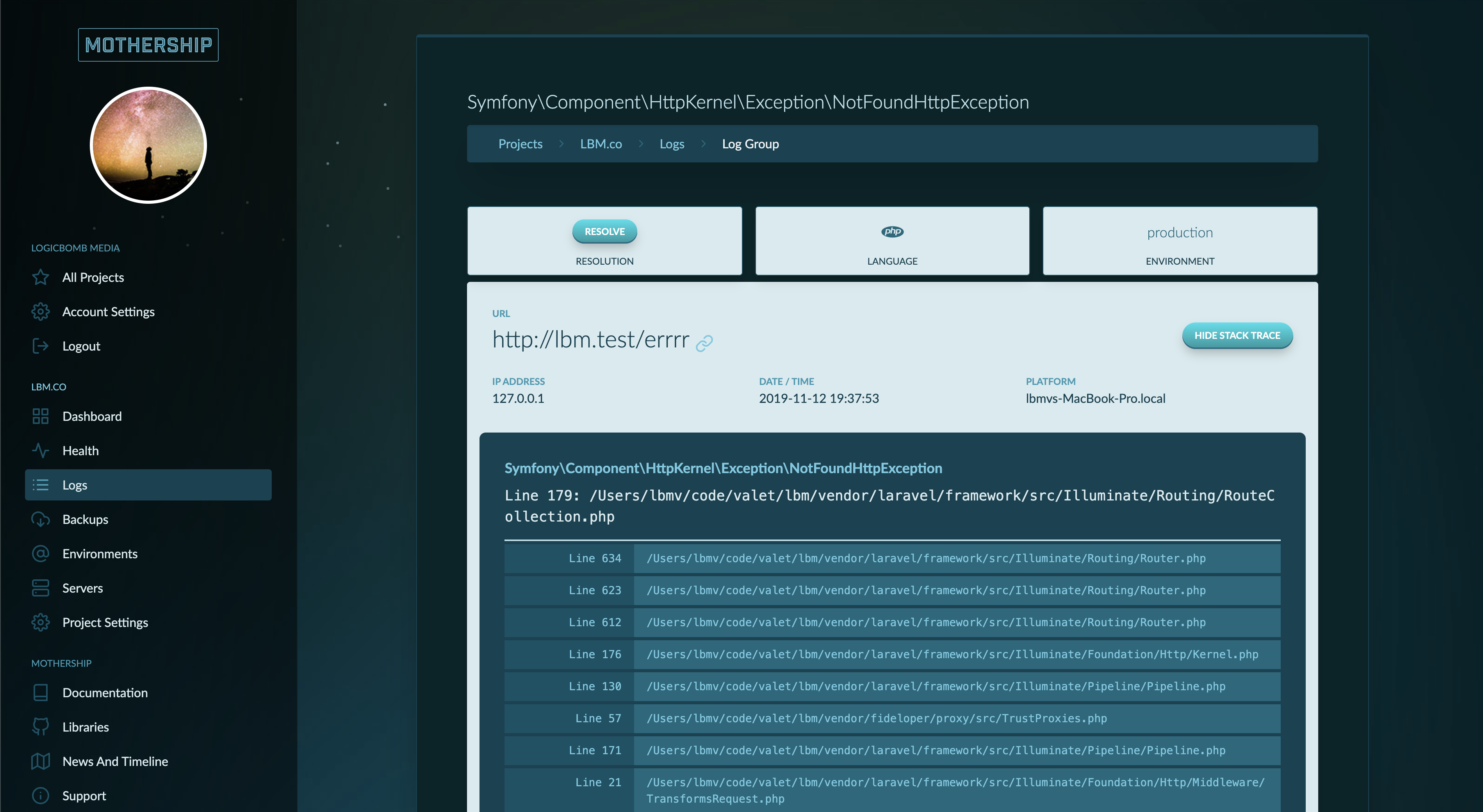
Additionally you can view the full stack trace of the error to help you zero on where the error is taking place.
# Resolving Logs
Once you feel like a error log will not occur any more due to a fix or log removal in your code you can resolve the log. If the error or log fires again Mothership will reopen the log group.